
Laptop Will Not Turn On After a Spill
The laptop stopped powering on or became unresponsive after water or another liquid entered the device.
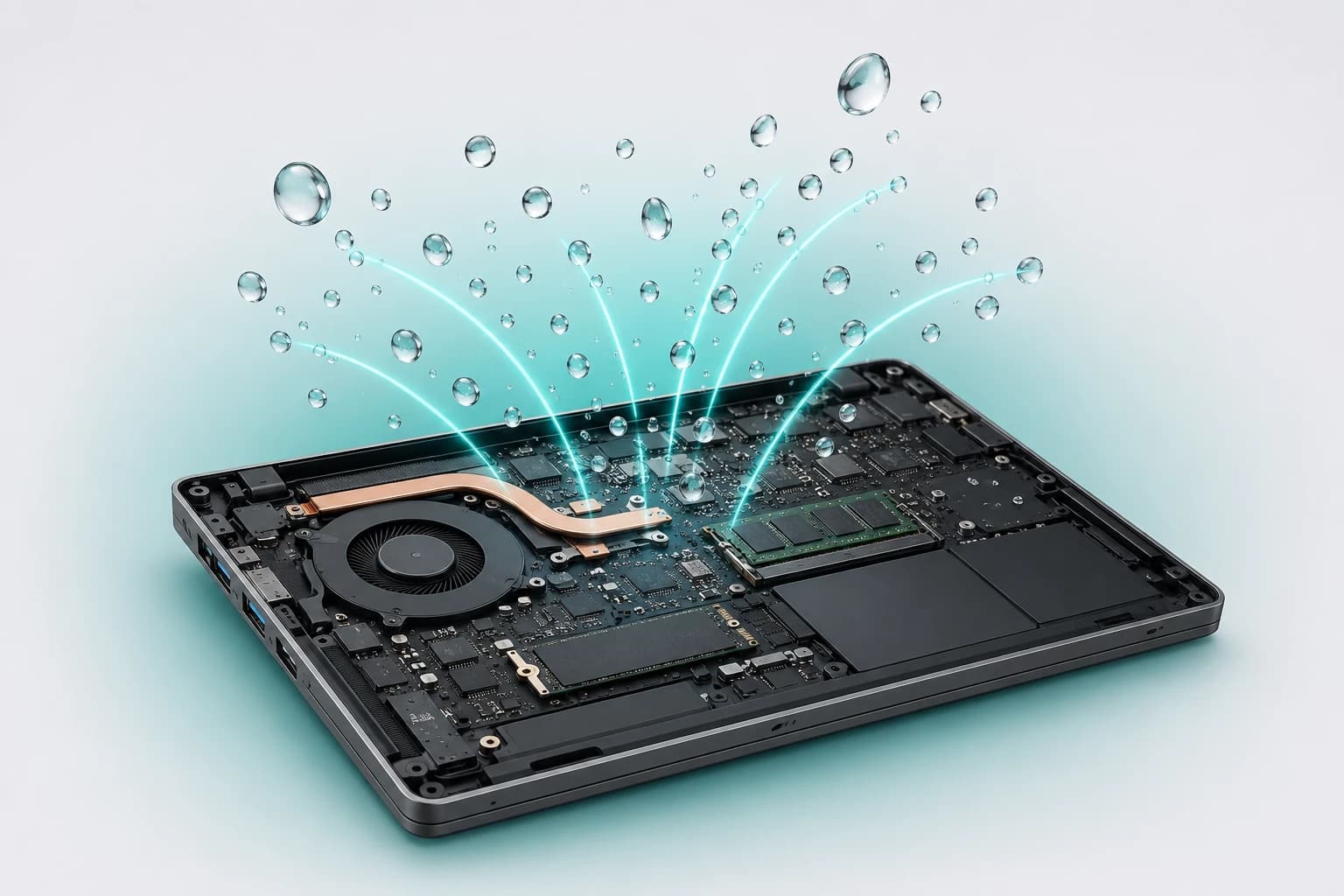
Professional Water Damage Repair Service
Spilled water, coffee or another liquid on your laptop? LaptopSouq provides professional laptop water damage repair in Dubai, including internal inspection, liquid-residue cleaning, corrosion assessment and repair of affected components for supported laptop models.
Switch the laptop off immediately, disconnect the charger and unplug connected accessories. If the battery is designed to be safely removable, disconnect it. Do not repeatedly power the laptop on to test whether it still works. Wipe away visible external liquid and arrange an inspection as soon as possible.
Liquid Damage Scenarios
From laptops that won't turn on to those that still work after a spill, we assess and repair liquid-damaged laptops.
The laptop stopped powering on or became unresponsive after water or another liquid entered the device.
Keys, keyboard backlighting, touchpad buttons or cursor control no longer operate normally after liquid exposure.
The laptop no longer charges normally or developed intermittent power-related problems after the spill.
The laptop powers off, restarts or behaves unpredictably following liquid exposure.
USB ports, display functions, audio, connectors or other laptop components developed problems after the spill.
The laptop appears to function normally, but internal areas may still contain residue or show signs of oxidation or corrosion.
Not every spill causes the same type of damage. A small amount of liquid may affect an upper component such as the keyboard, while deeper liquid intrusion can reach connectors, charging or power circuits, the motherboard and other internal hardware.
LaptopSouq checks where the liquid entered, which components were exposed and whether residue, oxidation, corrosion or electrical damage is present before recommending cleaning, repair or replacement.
Our Process
From liquid damage assessment to functional testing, each step is handled with care.
The liquid type, spill location, laptop condition, whether it remained powered after exposure, reported symptoms and data priority are recorded.
The laptop is inspected for liquid residue, oxidation, corrosion and affected components.
Affected internal areas are cleaned as required and damaged connections, circuits or components are identified.
Repairable faults are addressed first; components that cannot be reliably repaired are replaced where required and approved.
Power, charging, keyboard, trackpad, display, ports, audio and other relevant functions are checked after repair, followed by the applicable 90-day repair and supplied-part warranty.
Service Options
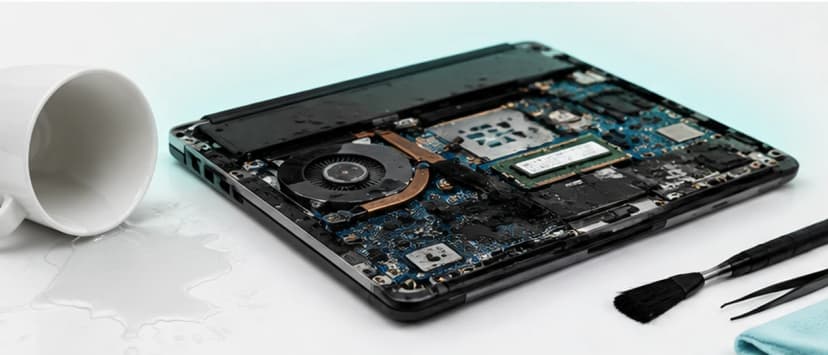
For laptops requiring internal inspection, residue removal and cleaning of affected areas following a spill.
Starting from AED 199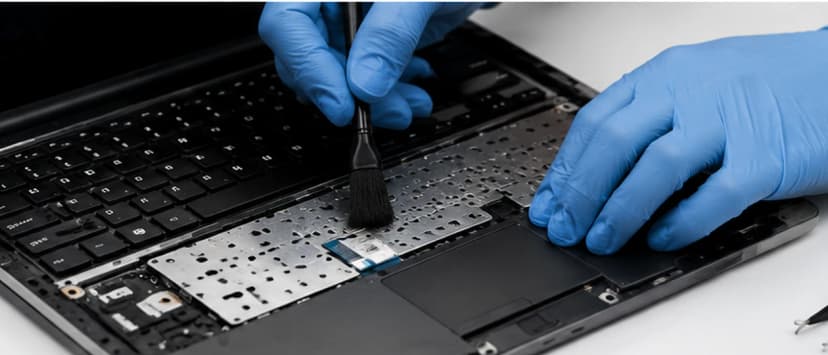
For spill-related keyboard, key, backlight or trackpad faults requiring repair or replacement.
Starting from AED 199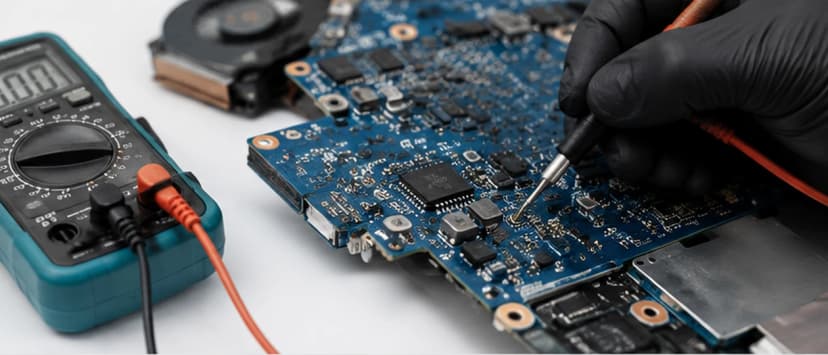
For liquid exposure affecting motherboard circuits, charging, power functions or related internal connections. Repairability is assessed before component-level repair or replacement is recommended.
Starting from AED 199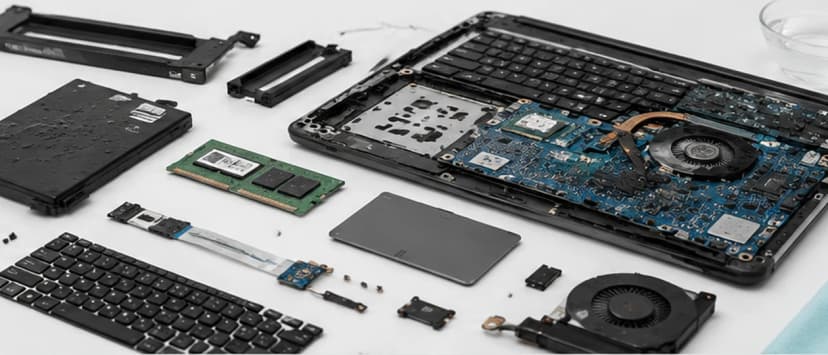
For more extensive liquid exposure affecting multiple parts and requiring a combination of cleaning, repair and replacement.
Quote After InspectionRepair Before Replacement
Do not organize the page as if every spill automatically requires motherboard, keyboard or battery replacement. Inspection determines whether cleaning, repair, component replacement or a combination is appropriate.
Diagnostic Coverage
Post-Spill Symptoms: Laptop not turning on, random shutdowns or restarts, charging problems, keyboard keys not working, trackpad problems, display, audio or port issues.
Water damage repair and liquid-damage assessment for major laptop brands and popular model series across Dubai.









Model Coverage
Inspiron, Latitude, XPS, Vostro, Precision, Alienware
Pavilion, ProBook, EliteBook, Envy, Spectre, ZBook, Omen, Victus
ThinkPad, ThinkBook, IdeaPad, Yoga, Flex, Legion, LOQ
VivoBook, ZenBook, TUF, ROG
Aspire, Swift, Nitro, Predator, TravelMate
Gaming and Creator series
Supported Surface Laptop models
Supported MacBook Air and MacBook Pro models subject to model, internal architecture and affected components
Repair scope depends on the laptop model, affected components and extent of internal liquid exposure. Each case is assessed individually.
Dubai Coverage
LaptopSouq provides laptop water and liquid damage repair across Dubai, including internal inspection, spill cleaning and repair of affected laptop components, with pickup and delivery available in supported areas.
LaptopSouq provides doorstep laptop repair support across Dubai's residential, commercial and business communities. Share your area and laptop issue with our team to confirm pickup availability and arrange a convenient collection time.
Pricing
Transparent pricing with final cost confirmed after internal inspection.
| Service | Description | Price | Warranty |
|---|---|---|---|
| Liquid Damage Inspection & Internal Cleaning | Internal inspection and residue removal | Starting from AED 199 | 90 Days* |
| Keyboard & Trackpad Liquid Damage Repair | Spill-related keyboard/trackpad faults | Starting from AED 199 | 90 Days* |
| Motherboard & Power Circuit Liquid Damage Repair | Motherboard/power circuit damage | Starting from AED 199 | 90 Days* |
| Multi-Component Liquid Damage Repair | Multiple affected components | Quote After Inspection | 90 Days* |
Final price confirmed after inspection
Final pricing depends on the laptop model, liquid exposure, affected components, internal condition, cleaning requirements and any replacement parts required. A fixed quote is confirmed after inspection.
*The 90-day warranty applies to completed repair work and LaptopSouq-supplied replacement parts under the applicable terms. It does not cover unrelated faults or every possible future consequence of the original liquid exposure.
Why LaptopSouq
Assessment-first approach, repair before replacement, and data-priority awareness.
The location and extent of internal liquid exposure are checked before repair.
Affected areas are cleaned and repairability is assessed before components are replaced.
Keyboard, charging, power, motherboard, battery, ports, audio and other affected functions are checked according to the spill.
Where important files are at risk, data-recovery requirements are considered before potentially destructive work.
The repair scope and cost are confirmed after internal inspection.
Completed repair work and LaptopSouq-supplied replacement parts receive the applicable 90-day warranty.
FAQs
Switch the laptop off, disconnect the charger and unplug connected accessories. If the battery is designed to be safely removable, disconnect it. Do not repeatedly power the laptop on to test it. Wipe away visible external liquid and arrange an inspection as soon as possible.
Avoid repeatedly powering it on after liquid exposure. Even if the laptop appears to work, internal residue or damage may still be present and additional electrical activity can worsen an existing fault.
Many liquid-damaged laptops can be repaired, but repairability depends on where the liquid entered, how long the laptop remained powered, the affected components and the extent of corrosion or electrical damage. The final repair route is confirmed after inspection.
Inspection can still be worthwhile because a laptop may continue working even when liquid has reached internal areas. Residue, oxidation or corrosion may be present even if the initial symptoms are minor.
The type and amount of liquid, where it entered and how long the laptop remained powered can all affect the repair requirements. Sugary or sticky liquids can also leave more residue. LaptopSouq inspects the affected areas before confirming the repair scope.
Yes. Liquid exposure can leave contamination and moisture that contribute to oxidation or corrosion on affected internal areas and connectors. The internal condition is checked during inspection.
Yes. If liquid reaches motherboard circuits, connectors or power sections, it can cause electrical faults or corrosion. Repairability is assessed before board-level repair or replacement is recommended.
Sometimes. The repair route depends on the extent of contamination and component damage. Cleaning, repair or replacement may be required after inspection.
Possibly. If important files are the priority and the laptop or storage cannot be accessed normally, data recovery should be assessed before repair work that could affect the storage or operating system.
Do not keep trying to power it on. Disconnect power and arrange an internal inspection. The problem may involve the keyboard, charging system, motherboard, battery, connectors or other components affected by liquid.
Yes. Liquid exposure can affect charging circuits, battery connections, the charging port or related components. The exact cause is confirmed after inspection rather than assumed from the symptom alone.
Supported spill-related faults involving USB ports, charging ports, speakers, audio functions and internal connectors can be assessed as part of the liquid-damage diagnosis. The repair route depends on the affected component and its condition.
Turnaround depends on the spill severity, affected components, corrosion or contamination, required cleaning, parts availability and testing. The expected time is confirmed after the laptop is inspected.
Pricing depends on the laptop model, liquid exposure, affected components, internal condition, cleaning requirements and replacement parts. A fixed quote is confirmed after inspection.
The 90-day warranty applies to the completed repair work and LaptopSouq-supplied replacement parts under the applicable terms. It does not represent a blanket guarantee against unrelated faults or every future consequence of the original liquid exposure.
Supported gaming laptops from brands such as Dell Alienware, HP Omen/Victus, Lenovo Legion/LOQ, ASUS TUF/ROG, Acer Nitro/Predator and MSI can be assessed for liquid-related faults.
LaptopSouq can assess supported MacBook Air and MacBook Pro models for liquid-related faults. The repair scope depends on the model, affected components and extent of internal liquid exposure.
Book Online
Tell us your laptop brand and exact model, what liquid was spilled, where the liquid entered if known, whether the laptop remained powered on after the spill, current symptoms, and whether important files are not backed up and are a priority.