
Accidentally Deleted Files
Important documents, photos, videos or folders were deleted and are no longer available normally.
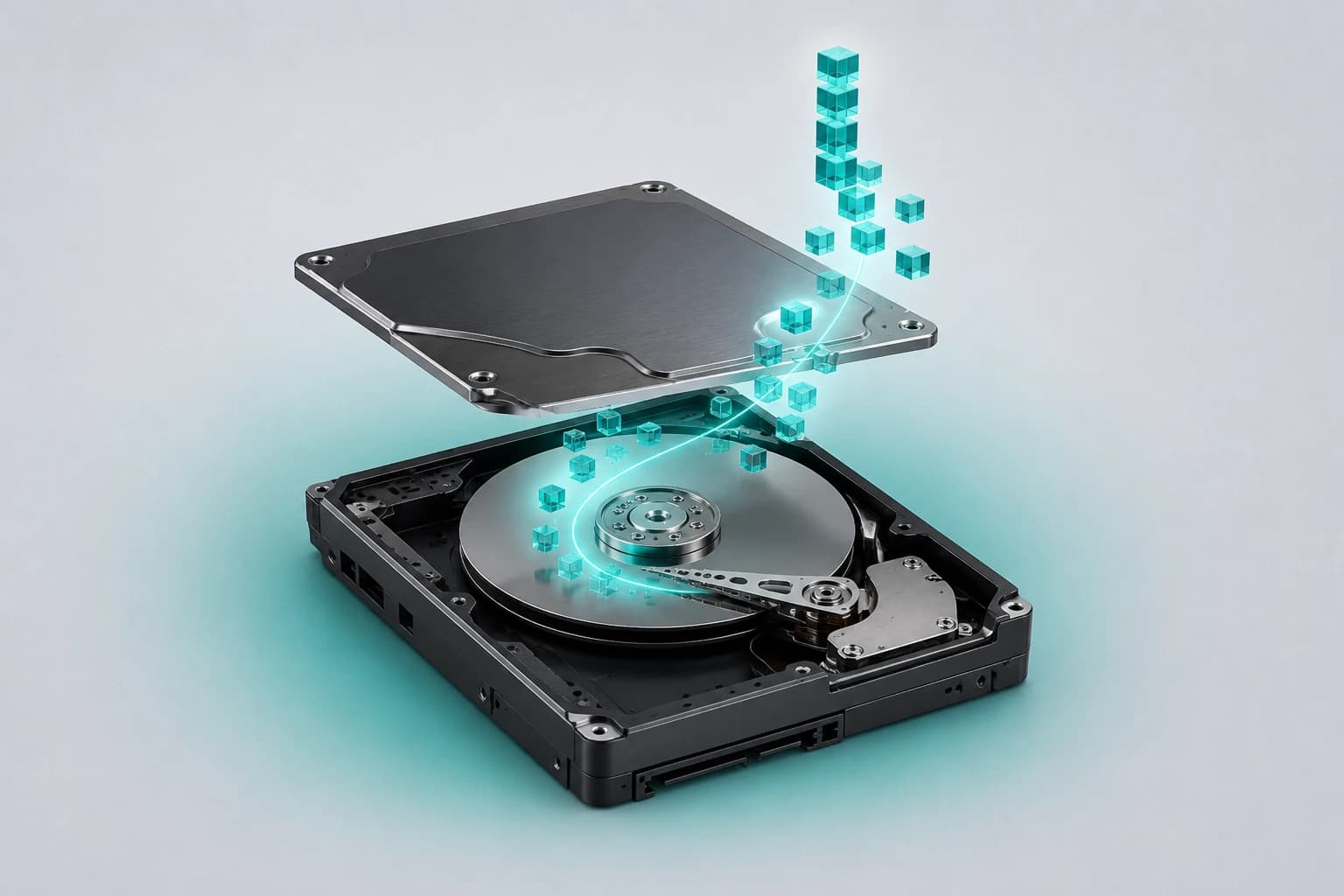
Professional Data Recovery Service
Important files deleted, laptop not booting or storage no longer accessible? LaptopSouq provides professional laptop data recovery in Dubai for supported HDD and SSD storage, including deleted files, formatted drives, corrupted systems and inaccessible laptop storage.
If important files were deleted, formatted or suddenly became inaccessible, avoid unnecessary use of the laptop. Do not reinstall Windows, initialize or format the affected drive, or install recovery software onto the affected system storage before assessment. Continued writing to the storage can reduce recovery possibilities.
Data-Loss Scenarios
From accidental deletion to hardware failure, these are the most common situations where laptop data recovery may be needed.
Important documents, photos, videos or folders were deleted and are no longer available normally.
Files became unavailable after formatting, resetting or reinstalling the operating system.
The laptop cannot load Windows normally, but important files still need to be accessed.
A storage volume or partition is corrupted, missing or cannot be accessed normally.
The laptop no longer detects its internal storage correctly or the drive is not operating normally.
Important files became inaccessible after liquid exposure, impact or another incident affecting the laptop or storage.
Data loss can occur while the storage device itself is still accessible, such as after accidental deletion, formatting, file-system corruption or some operating-system problems. In other cases, the HDD or SSD may have a detection, electronic or physical failure.
LaptopSouq first checks what happened, whether the storage is detected and accessible, its apparent condition and whether encryption is involved before confirming the appropriate recovery route.
Some Windows laptops use BitLocker or Windows Device Encryption. If encrypted storage cannot automatically unlock, access to recoverable data may require the correct BitLocker recovery key or other authorized credentials. LaptopSouq checks encryption status during assessment and does not bypass encryption protections.
Our Process
From assessment to secure handover, each step is handled with care and privacy.
The laptop, data-loss scenario and the files or folders that matter most are identified.
The HDD/SSD type, storage accessibility, apparent condition and encryption status are assessed.
The available recovery method, expected scope and cost are confirmed before recovery work begins.
Recoverable data is extracted using the appropriate source-preserving recovery method for the diagnosed case and written to separate destination storage rather than back onto the affected source drive.
Recovered data is checked for accessibility where practical and returned using the agreed destination storage.
Service Options
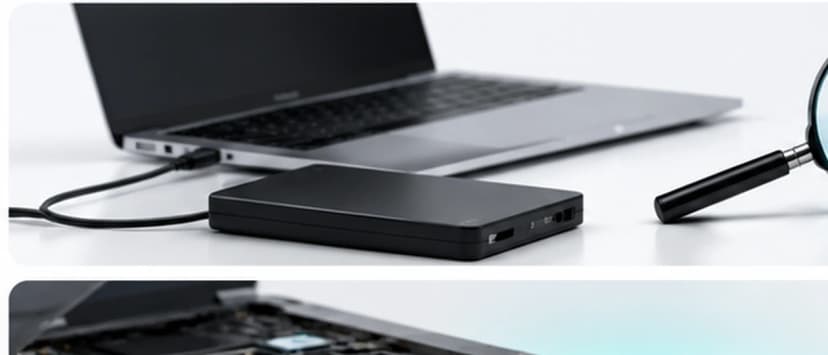
For accidentally deleted files or data lost after formatting/reset where recovery remains technically possible.
Starting from AED 299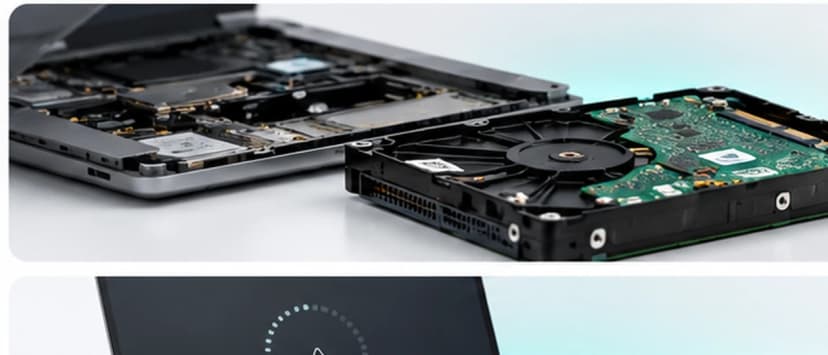
For inaccessible, corrupted or damaged file-system/partition situations where the storage remains assessable.
Starting from AED 399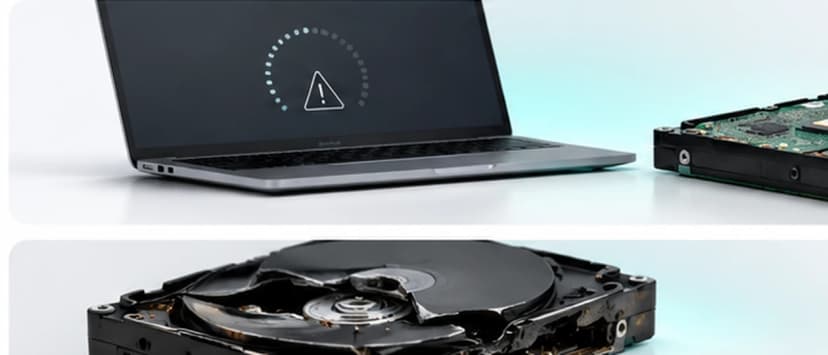
For laptops that cannot load Windows normally but contain important files that need to be recovered.
Starting from AED 349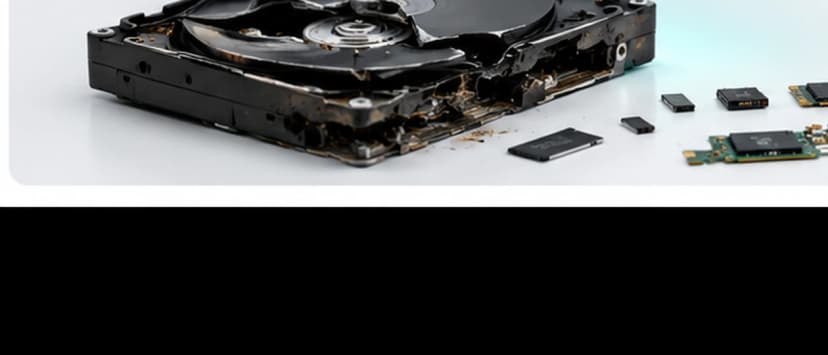
For supported laptop storage affected by detection, electrical, media or other storage-device failures requiring deeper assessment.
Starting from AED 499 / Quote After AssessmentAdvanced Physical-Failure Recovery
Complex physical storage failures may require specialized recovery assessment. The available recovery route is confirmed after diagnosis.
Recovery Cases
File Types That May Be Recovered: Depending on the condition of the storage and what remains recoverable, recovery may include documents, spreadsheets, PDFs, photos, videos, project files and other user data.
Data recovery assessment and recovery services for major laptop brands and popular model series across Dubai.








Model Coverage
Inspiron, Latitude, XPS, Vostro, Precision, Alienware
Pavilion, ProBook, EliteBook, Envy, Spectre, ZBook, Omen, Victus
ThinkPad, ThinkBook, IdeaPad, Yoga, Flex, Legion, LOQ
VivoBook, ZenBook, TUF, ROG
Aspire, Swift, Nitro, Predator, TravelMate
Gaming and Creator series
Supported Surface Laptop models
Selected models subject to storage architecture, encryption and device condition
Recovery feasibility depends on storage type, condition, encryption and data-loss scenario rather than the brand alone. Each case is assessed individually.
Dubai Coverage
LaptopSouq provides laptop data recovery assessment and recovery services across Dubai for supported laptop HDD and SSD storage, with pickup and delivery available in supported areas.
LaptopSouq provides doorstep laptop repair support across Dubai's residential, commercial and business communities. Share your area and laptop issue with our team to confirm pickup availability and arrange a convenient collection time.
Pricing
Transparent pricing with final cost confirmed after recovery assessment.
| Service | Description | Price |
|---|---|---|
| Deleted & Formatted File Recovery | Accidentally deleted or formatted data | Starting from AED 299 |
| Corrupted Drive / Partition Recovery | Inaccessible or corrupted storage | Starting from AED 399 |
| Non-Booting Laptop Data Recovery | Windows won't boot, data needed | Starting from AED 349 |
| HDD / SSD Failure Recovery | Detection or hardware failure | Starting from AED 499 / Quote After Assessment |
Final price confirmed after assessment
Final pricing depends on the storage type and capacity, data-loss scenario, drive condition, encryption, required recovery method and whether specialized recovery work is required. A fixed quote is confirmed after assessment.
Why LaptopSouq
Assessment-first approach, privacy-focused handling, and separate destination storage.
The storage and data-loss situation are assessed before recovery work is recommended.
The files or folders that matter most are identified before recovery where possible.
The recovery route is matched to the laptop's storage type, accessibility and failure condition.
Recovered files are returned to separate destination storage rather than written back onto the affected source drive.
Pricing is confirmed after the recovery assessment and before approved recovery work.
Customer files are accessed only as necessary for the authorized recovery process and returned through the agreed storage method.
FAQs
Sometimes. Recovery depends on the storage type, what happened after deletion and whether the space previously occupied by the files has been overwritten or otherwise made unavailable. The laptop should be used as little as possible until the storage is assessed.
Stop unnecessary use of the laptop. Do not reinstall Windows, format or initialize the affected drive, or install recovery software onto the affected system storage before assessment. Continued writing to the drive can reduce recovery possibilities.
Recovery may still be possible in some cases, depending on the type of reset or formatting, the storage technology and how much the laptop was used afterward. The storage must be assessed before recovery feasibility can be confirmed.
In many cases, a non-booting Windows installation does not automatically mean the files are lost. LaptopSouq checks whether the internal storage is detected, accessible and healthy enough for a recovery route.
It may be possible depending on the type and severity of the HDD failure. Logical, electronic and physical problems require different approaches, so the available recovery route is confirmed after diagnosis.
SSD recovery may be possible depending on the data-loss scenario, controller/storage condition, encryption and what data remains technically available. SSD recovery cannot be guaranteed before assessment.
Yes. HDDs and SSDs use different storage technologies, so failure modes and recovery possibilities can differ. LaptopSouq checks the storage type and condition before confirming the recovery route.
New activity can create data on the affected storage. If deleted data has not yet been overwritten or otherwise made unavailable, continued use may reduce the chance of recovering it.
Recovery from encrypted storage may require the correct BitLocker recovery key or other authorized credentials. LaptopSouq checks encryption status during assessment and does not bypass encryption protections.
If the drive is protected by BitLocker and cannot be unlocked normally, access to encrypted data may not be possible without the required authorized recovery key or credentials. Customers should check the Microsoft account, organization or other location where the recovery key may have been stored.
Possibly, but recovery depends on what the reinstall changed on the storage and how much the device has been used since. Stop unnecessary use and have the storage assessed as soon as possible.
Data recovery may be possible if liquid exposure affected the laptop or storage, but the device should not be repeatedly powered on. The hardware and storage condition need assessment before the recovery route is confirmed.
An undetected drive can be caused by storage, connection, controller or other hardware problems. LaptopSouq first determines whether the issue is storage-level or related to another laptop component before recommending recovery.
Not necessarily. The goal of data recovery is to retrieve available data as safely as possible. If the failed drive also needs replacement, that is handled as separate storage-repair or SSD-upgrade work after the data has been secured.
No responsible data-recovery service can guarantee every file before the storage is assessed. Recovery depends on the storage type, physical condition, encryption, cause of data loss, continued device use and whether lost data has already been overwritten or otherwise become unavailable.
Supported recovery cases may involve personal documents, photos and videos as well as business files and project folders. Recovery feasibility depends on storage condition, encryption and the data-loss scenario rather than whether the files are personal or business-related.
Recovered data should be written to separate destination storage rather than back onto the affected source drive. The agreed destination is confirmed as part of the recovery process.
Turnaround depends on the storage type, failure condition, encryption, capacity, recovery method and amount of data. The expected time is confirmed after the initial assessment.
Pricing depends on the storage type and capacity, data-loss scenario, drive condition, encryption and required recovery method. A fixed quote is confirmed after assessment.
Book Online
Tell us your laptop brand and exact model, storage type if known, what happened, whether Windows still boots, whether the storage is currently detected, whether BitLocker is enabled, and the most important files or folders to recover.