
Headphones Are Not Detected
The laptop does not recognize connected headphones or a compatible headset through the audio port.
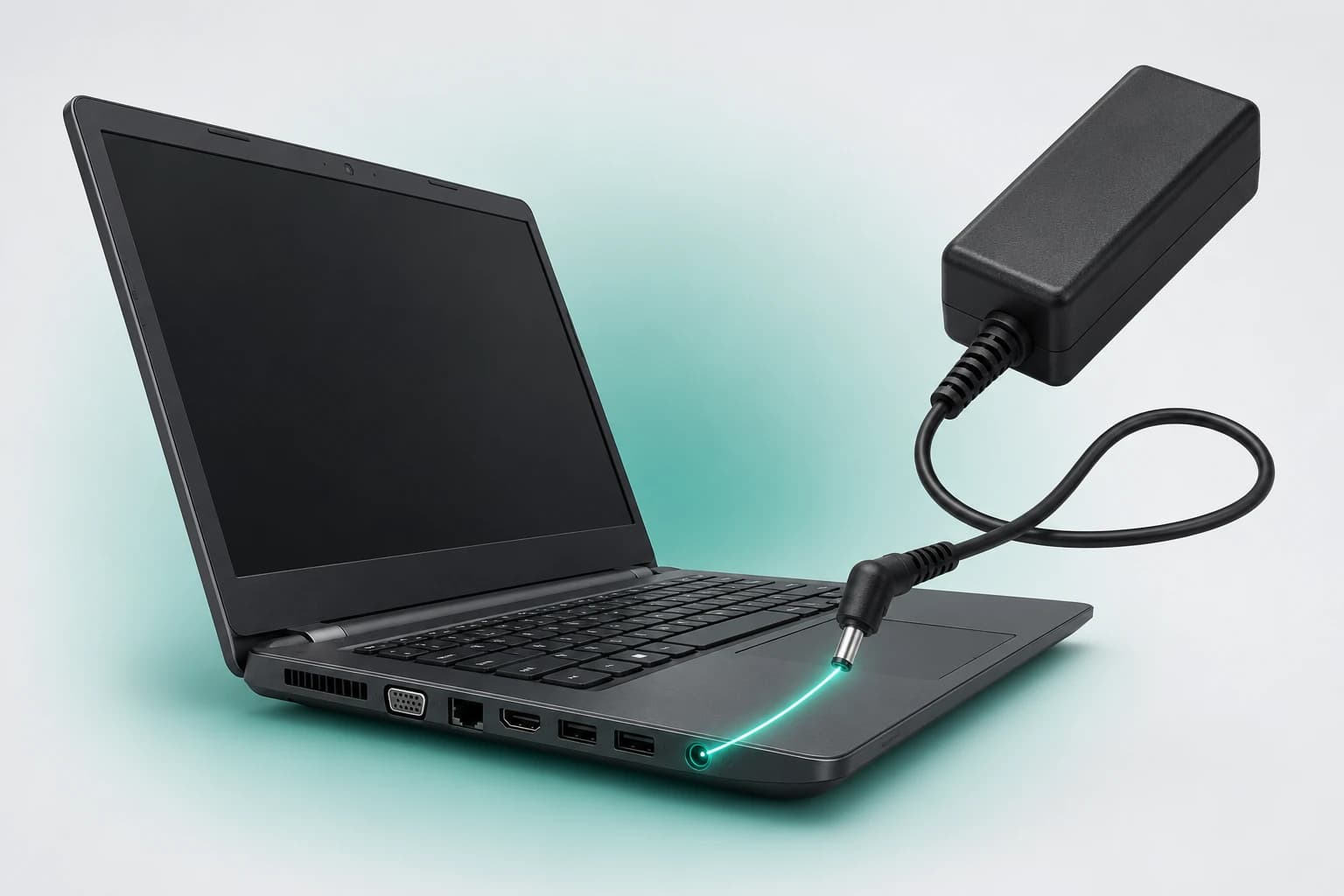
Dubai Laptop Audio Jack Service
Headphones not detected, sound cutting out or the laptop audio jack feeling loose? LaptopSouq provides professional laptop audio jack repair and replacement in Dubai for damaged, loose and non-working headphone or headset ports on supported laptop models.
Audio Jack Diagnostics
These are the most common audio jack problems. LaptopSouq checks both system detection and the physical port before confirming repair or replacement.
The laptop does not recognize connected headphones or a compatible headset through the audio port.
Audio becomes intermittent, crackles or works only when the headphone plug is moved or held at a particular angle.
The plug does not sit securely, the port moves, appears damaged or has been pushed inward.
One headphone channel is missing, distorted or intermittent when using the laptop's audio jack.
Headphone output works but a compatible headset microphone is not detected or functions incorrectly through the combo jack.
The laptop continues routing sound as though headphones are connected even after they have been unplugged, leaving the built-in speakers silent.
Headphones not working does not automatically mean the laptop needs a new audio jack. The problem can come from the headphones or headset, the physical socket, damaged internal contacts, a loose connection, plug-detection problems, Windows audio settings or drivers.
LaptopSouq checks the connected audio device, system detection and physical port condition before confirming whether the jack needs cleaning, connection repair or replacement.
Known-Good Headset Test → Audio Detection & Input/Output Check → Port / Connector Inspection → Repair or Replacement
Model-Specific Port Design: Audio-jack architecture varies by laptop model. The jack may be mounted directly on the motherboard, fitted to a separate I/O/audio daughterboard or integrated into another internal assembly. The exact repair method is confirmed after inspecting the laptop model and port design.
Our Process
From audio fault assessment to input and output testing, each step is handled carefully before the laptop is returned.
The laptop model, symptoms and connected headphones or headset are checked using an appropriate test device where required.
System audio behavior and the physical port are checked for detection problems, looseness, contamination, physical damage and connector-related faults.
The jack design and fault are confirmed, including whether the port is motherboard-mounted, on a separate board or part of another internal assembly. The repair route and fixed quote are confirmed before work.
Repairable connector or jack faults are addressed first. If the socket is physically damaged or cannot be reliably restored, a compatible replacement is installed where supported.
Headphone sound, left/right output, plug stability, headphone detection, built-in speaker switching and headset microphone input where applicable are checked, followed by the applicable 90-day warranty.
Service Options
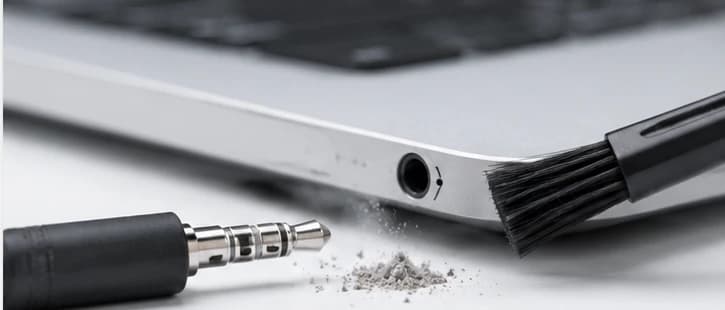
For blocked, contaminated or intermittent headphone ports requiring diagnosis and cleaning before parts replacement is considered.
Starting from AED 149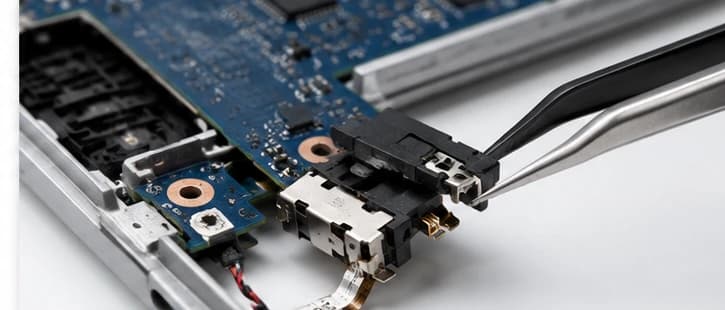
For headphone ports that move, crackle, cut sound in and out or have a repairable connector or internal connection fault.
Starting from AED 149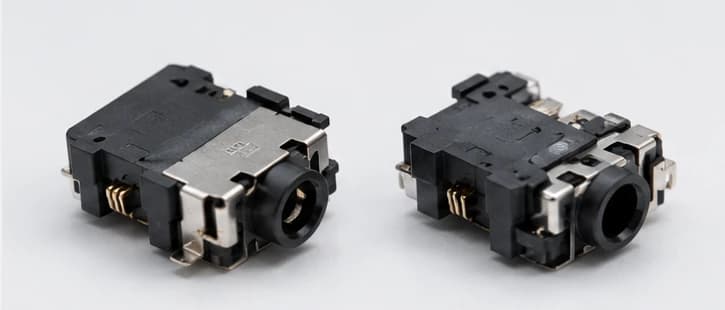
For physically damaged or failed headphone/headset sockets requiring a compatible replacement.
Starting from AED 149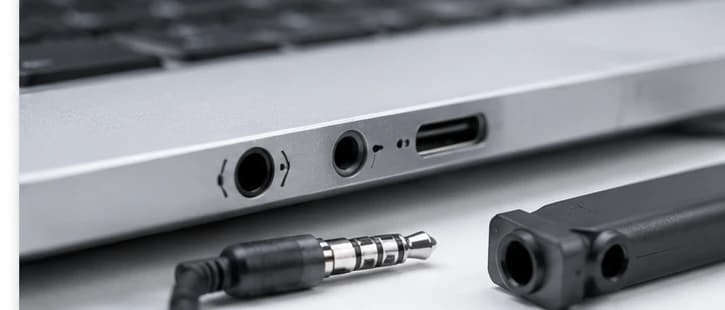
For supported laptops using a combined headphone-and-microphone port with input, output or detection problems.
Starting from AED 149Model-specific repair method
Audio-port architecture and replaceability vary by model and generation. The exact laptop model is checked before the repair method and replacement part are confirmed.
Fault Coverage
Combined Headset Jack: Many laptops use a combined 3.5mm headset jack that carries headphone output and compatible microphone input through one port. Audio-port design varies by laptop model, so the exact connector configuration is checked before repair.
Audio jack repair and replacement for major laptop brands and popular model series across Dubai.












Model Coverage
Inspiron, Latitude, XPS, Vostro, Precision, Alienware
Pavilion, ProBook, EliteBook, Envy, Spectre, ZBook, Omen, Victus
ThinkPad, ThinkBook, IdeaPad, Yoga, Flex, Legion, LOQ
VivoBook, ZenBook, TUF, ROG
Aspire, Swift, Nitro, Predator, TravelMate
Gaming and Creator series
Supported Surface Laptop models
Audio-port architecture and replaceability vary by model and generation. The exact laptop model is checked before the repair method and replacement part are confirmed.
Dubai Coverage
LaptopSouq provides laptop audio jack repair and replacement across Dubai for supported business, personal and gaming laptops, with pickup and delivery available in supported areas.
LaptopSouq provides doorstep laptop repair support across Dubai's residential, commercial and business communities. Share your area and laptop issue with our team to confirm pickup availability and arrange a convenient collection time.
Pricing
Transparent starting prices with the final cost confirmed after diagnosis, model verification and jack-part availability.
| Service Type | Best For | Price | Warranty |
|---|---|---|---|
| Audio Jack Diagnosis & Cleaning | Blocked / contaminated / intermittent ports | Starting from AED 149 | 90 Days |
| Loose / Intermittent Audio Jack Repair | Loose / crackling / intermittent ports | Starting from AED 149 | 90 Days |
| Laptop Audio Jack Replacement | Physically damaged / failed sockets | Starting from AED 149 | 90 Days |
| Combo Headset Jack Repair & Replacement | Combined headphone + microphone ports | Starting from AED 149 | 90 Days |
Final price confirmed before work
Final pricing depends on the laptop model, audio-jack design, physical condition, connection method and required replacement part. A fixed quote is confirmed before work begins.
Why LaptopSouq
Audio fault diagnosed first, repair before replacement and 90-day warranty on service and parts.
Physical, detection and relevant software causes are checked before port replacement.
Repairable jack and connection faults are addressed before unnecessary replacement.
The laptop's audio-port architecture is checked before the repair route is confirmed.
Headphone channels, detection, speaker switching and headset microphone functions are tested where applicable.
The repair method and price are confirmed before approved work begins.
Completed service and LaptopSouq-supplied replacement parts receive the applicable 90-day warranty.
FAQs
The cause can be the headphones or headset, Windows audio settings, drivers, plug detection, debris, a loose connector or physical damage inside the audio jack. LaptopSouq checks both system detection and the physical port before confirming the repair.
Yes, depending on the fault. Some problems can be resolved by cleaning, connector work or repairing a loose connection, while physically damaged sockets may need replacement.
Yes, on supported models. The replacement method depends on whether the jack is motherboard-mounted, fitted to an I/O or audio daughterboard, or integrated into another internal assembly.
This can happen when the plug, socket contacts, connector or internal connection is worn, loose or damaged. Testing with a known-good headset and inspecting the port helps identify whether the jack needs repair or replacement.
A missing left or right channel can be caused by the headphones themselves, contamination, worn jack contacts, connector damage or another audio fault. The headset and laptop port should both be tested.
Possible causes include the headset, plug-detection contacts, the physical jack, Windows settings, drivers or internal connections. The detection issue should be diagnosed before the port is replaced.
The audio jack's detection mechanism, contamination, damaged contacts or a software/audio-device problem can leave the laptop stuck in headphone mode. The physical port and system audio behavior are checked before repair.
Often, but the repair depends on how the jack is mounted and what has become loose. Some faults involve the socket itself, while others involve a board, connector or internal assembly.
Yes. Debris or contamination can prevent a plug from seating correctly or interfere with the port. The jack should be inspected and cleaned carefully before replacement is considered.
In many cases, yes. The broken plug and socket condition are inspected first. If the jack was damaged during the break or removal, repair or replacement may also be required.
Some laptops use a combined headset jack for headphone output and microphone input. A microphone problem can come from the headset, connector compatibility, system detection, settings or physical jack damage. The input and output functions are checked separately.
It is a single 3.5mm port designed to carry headphone output and compatible headset microphone input. The exact connector arrangement varies by laptop model.
It depends on the laptop design. Some audio jacks are mounted directly on the motherboard, while others are fitted to a separate I/O or audio board or integrated into another internal assembly. The exact model must be checked before the repair method is confirmed.
If the built-in speakers work normally but headphones are not detected or the jack is intermittent, the problem may be limited to the audio port, plug detection or related connector. If the built-in speakers themselves are faulty, Laptop Speaker Repair may be the more appropriate service.
Turnaround depends on the laptop design, whether the jack is repairable, replacement-part availability and the required testing. The expected time is confirmed after diagnosis.
Pricing depends on the laptop model, jack architecture, physical condition, repair method and replacement-part requirements. A fixed quote is confirmed before work begins.
LaptopSouq provides the applicable 90-day warranty on completed repair work and replacement parts supplied by LaptopSouq, subject to the warranty terms.
Book Online
Tell us your laptop brand/model and what is happening — headphones not detected, loose jack, crackling sound, one-sided audio, microphone not working, stuck headphone mode or a broken plug. Our team will check the problem, confirm the required repair or replacement and provide the service details before work begins.