
USB Device Not Detected
The laptop does not recognise a known-working USB drive, mouse, keyboard or another USB device through the affected port.

Dubai Laptop USB Port Service
USB device not detected, connection loose or laptop USB port physically damaged? LaptopSouq diagnoses USB-A and USB-C port faults and provides professional laptop USB port repair and replacement in Dubai for supported models.
USB Port Diagnostics
These are the most common signs of laptop USB port failure. LaptopSouq checks the port before confirming repair or replacement.
The laptop does not recognise a known-working USB drive, mouse, keyboard or another USB device through the affected port.
The connected USB plug feels loose, does not sit securely or disconnects when the cable or device is moved.
Connected devices repeatedly connect and disconnect or stop communicating during normal use.
The connector has visible damage, damaged internal contacts, a broken inner section or no longer holds connected devices correctly.
A connected device receives power but is not detected or cannot transfer data normally.
A supported USB-C port fails to detect devices or loses one or more functions expected for that specific laptop model.
A USB device that is not detected does not always mean the physical laptop port needs replacement. The USB device or cable, operating-system configuration, USB drivers or controller, power management, the physical connector or another internal component can create similar symptoms.
LaptopSouq checks the fault in stages before recommending repair or replacement, helping determine whether the problem affects one connector, multiple USB ports or the laptop's wider USB hardware.
Device & Cable Check → USB Detection / Controller Check → Physical Port & Connection → USB Board / Internal Hardware
Our Process
From USB port diagnosis to data and connection testing, each step is handled carefully before the laptop is returned.
The reported fault is reproduced using appropriate known-working USB devices and the affected port is checked.
The USB-A or USB-C connector, physical condition, laptop model and internal port architecture are checked.
Repairable connector or connection faults are corrected where practical. A failed USB port, USB board or compatible assembly is replaced when required.
Device detection, data communication, connection stability and applicable supported port functions are tested after service.
The laptop is returned after final testing with a 90-day warranty on service/workmanship and replacement parts.
Service Options
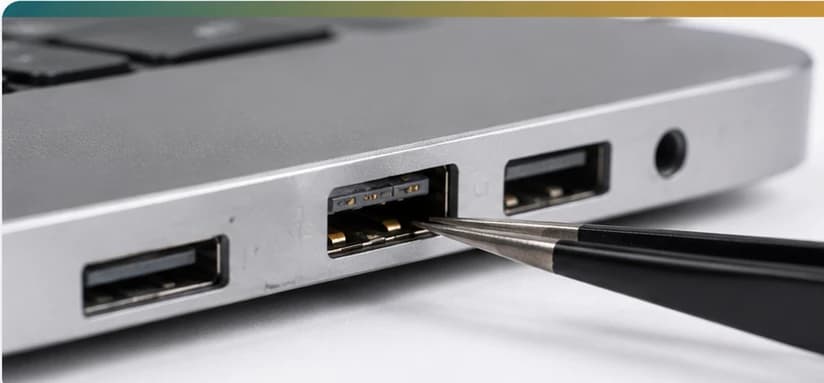
For loose, damaged, worn or non-working standard USB-A ports requiring repair or replacement.
Starting from AED 149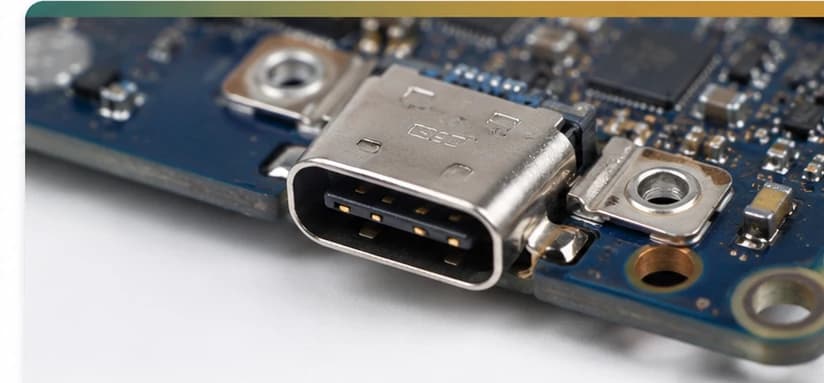
For physically damaged or failed USB Type-C connectors affecting supported device, data or other port functions.
Starting from AED 149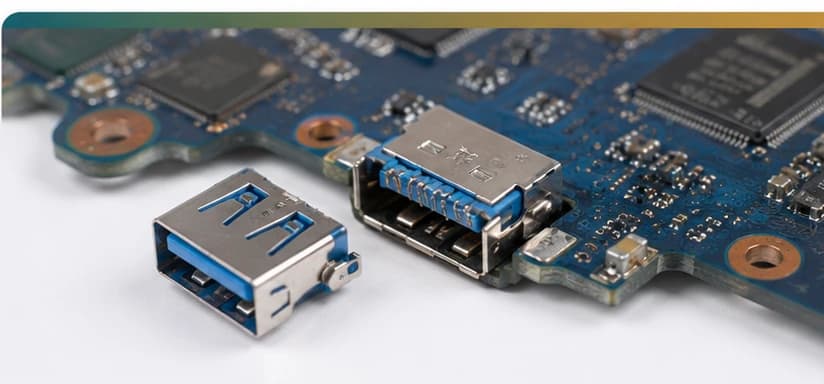
For unstable connectors, damaged internal contacts, broken connector sections and repairable internal port connections.
Starting from AED 149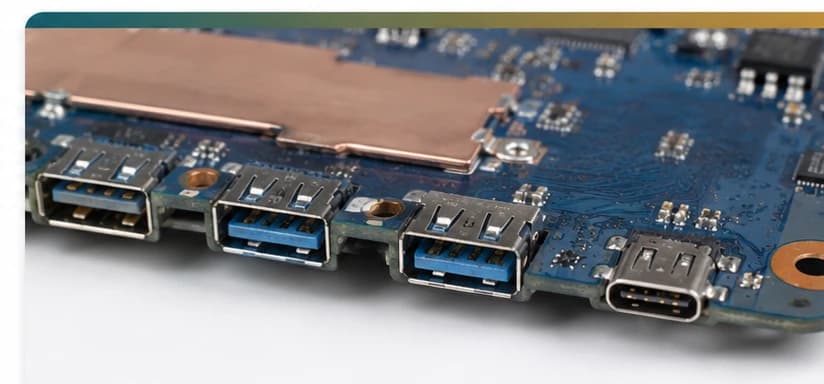
For supported laptops where the USB connector is part of a separate USB board, daughterboard, I/O board or model-specific internal assembly.
Starting from AED 149Port type & design verified before repair
USB-A, USB-C and the laptop's internal port architecture are identified before the repair method is selected.
Fault Coverage
Supported Brands
USB port repair and replacement for major laptop brands and popular model series across Dubai.












Model Coverage
Inspiron, Latitude, XPS, Vostro, Precision, Alienware
Pavilion, ProBook, EliteBook, Envy, Spectre, Omen
ThinkPad, ThinkBook, IdeaPad, Yoga, Flex, Legion
VivoBook, ZenBook, TUF, ROG
Aspire, Swift, Nitro, Predator
MacBook Air, MacBook Pro
Gaming and Creator series
Supported Surface Laptop models
Audio-port architecture and replaceability vary by model and generation. The exact laptop model is checked before the repair method and replacement part are confirmed.
Dubai Coverage
LaptopSouq provides laptop USB port diagnosis, repair and replacement across Dubai, with pickup and delivery available in supported areas.
LaptopSouq provides doorstep laptop repair support across Dubai's residential, commercial and business communities. Share your area and laptop issue with our team to confirm pickup availability and arrange a convenient collection time.
Pricing
Transparent starting prices with the final cost confirmed after diagnosis, model verification and port-part availability.
| Service Type | Best For | Price | Warranty |
|---|---|---|---|
| USB-A Port Repair & Replacement | Loose / damaged / non-working USB-A port | Starting from AED 149 | 90 Days |
| USB-C Port Repair & Replacement | Damaged or failed USB-C connector | Starting from AED 149 | 90 Days |
| Loose & Physically Damaged USB Port Repair | Unstable / broken connector or contacts | Starting from AED 149 | 90 Days |
| USB Board & I/O Port Assembly Service | Separate USB/I/O board or port assembly | Starting from AED 149 | 90 Days |
Final price confirmed before work
Final pricing depends on the laptop model, USB-port type, physical condition, internal port design, required part and whether the existing port can be repaired or requires replacement. A fixed quote is confirmed after diagnosis.
Why LaptopSouq
Diagnosis-first approach, repair before replacement and 90-day warranty on service and parts.
Device detection and the physical connector are checked before hardware replacement is recommended.
Repairable port and internal connection faults are addressed where practical.
USB-A, USB-C and the laptop's internal port architecture are identified before repair.
Device detection, data communication and connection stability are checked after service.
The final repair or replacement cost is confirmed before paid work begins.
Service/workmanship and replacement parts are covered by our 90-day warranty.
FAQs
A USB device may not be detected because of the device or cable, operating-system settings, USB drivers or controller behaviour, power management, a loose connection or a damaged physical port. LaptopSouq checks the cause before recommending hardware replacement.
In some cases, yes. Repairability depends on the type of physical damage, the connector, the internal board design and the condition of nearby components. If a durable repair is not practical, a compatible port or port assembly may need replacement.
Yes, on supported models. The replacement method depends on how the USB connector is built into the laptop. Some designs use a separate USB or I/O board, while others integrate the connector into another internal assembly.
Repeated disconnections can be caused by a loose connector, worn internal contacts, cable or device problems, power-management settings or another USB hardware issue. The affected port and a known-working device should be tested before replacement is recommended.
A USB port may still supply power even when normal device detection or data communication is failing. The issue can involve the connected device, software, the connector, internal data lines or the relevant USB hardware.
Some connector damage can be repaired, depending on the extent of damage and the laptop's internal port design. Severely broken or unstable connectors may require port or board-assembly replacement.
LaptopSouq can diagnose and repair or replace supported USB-C ports. The exact service depends on the laptop model, physical connector condition, internal port construction and replacement-part availability.
USB-C is a connector format, and supported functions vary by laptop and port. Depending on the model, a USB-C connector may support different combinations of data, charging, display output or Thunderbolt. The laptop's supported functions should be verified before diagnosing the fault.
If several USB ports fail at the same time, the problem may not be isolated to one physical connector. LaptopSouq checks USB detection, drivers, controller behaviour and relevant internal hardware before recommending individual port replacement.
Not necessarily. Laptop construction varies by model. Some laptops use separate USB or I/O boards that can be serviced independently, while other designs integrate the connector into another internal assembly. The port design is checked first.
LaptopSouq can assess USB-C port faults on supported MacBook models. Repair or replacement depends on the exact model, port design, fault and required part availability.
USB-port repair normally focuses on the connector and related hardware rather than stored files. Customers should still maintain a current backup of important data before any hardware service.
Turnaround depends on the laptop model, port type, extent of physical damage, repair method and replacement-part availability. LaptopSouq confirms the expected timeframe after diagnosis.
LaptopSouq provides a 90-day warranty on both service/workmanship and replacement parts used for the repair, subject to the applicable warranty terms.
Pricing depends on the laptop model, USB-A or USB-C port type, physical condition, internal assembly and whether repair or replacement is required. A fixed quote is confirmed after diagnosis.
Book Online
Tell us your laptop brand/model and what is happening with the USB port. If possible, mention whether it is USB-A or USB-C and whether the problem involves device detection, a loose connector, physical damage, repeated disconnections, data transfer or another supported USB-C function.