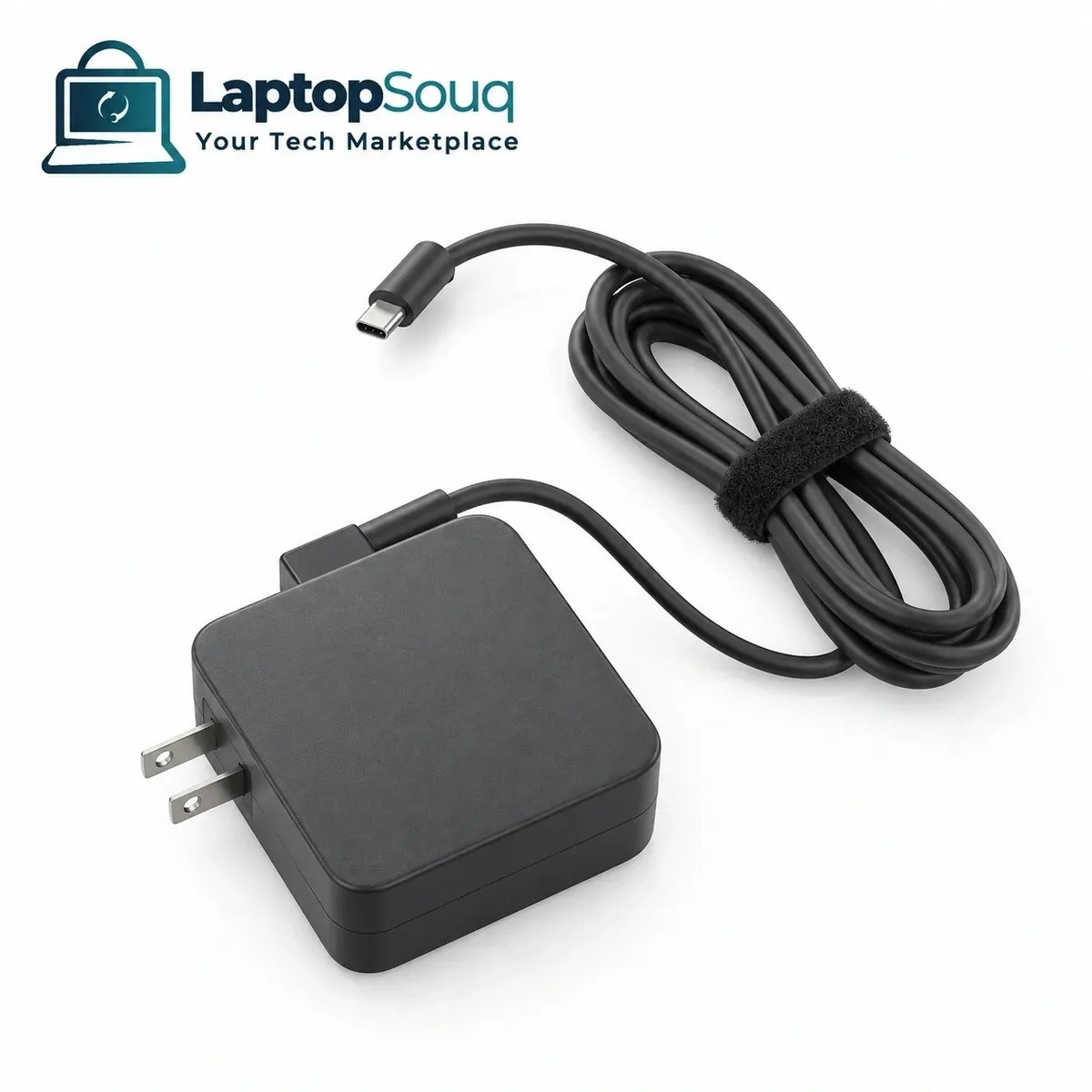
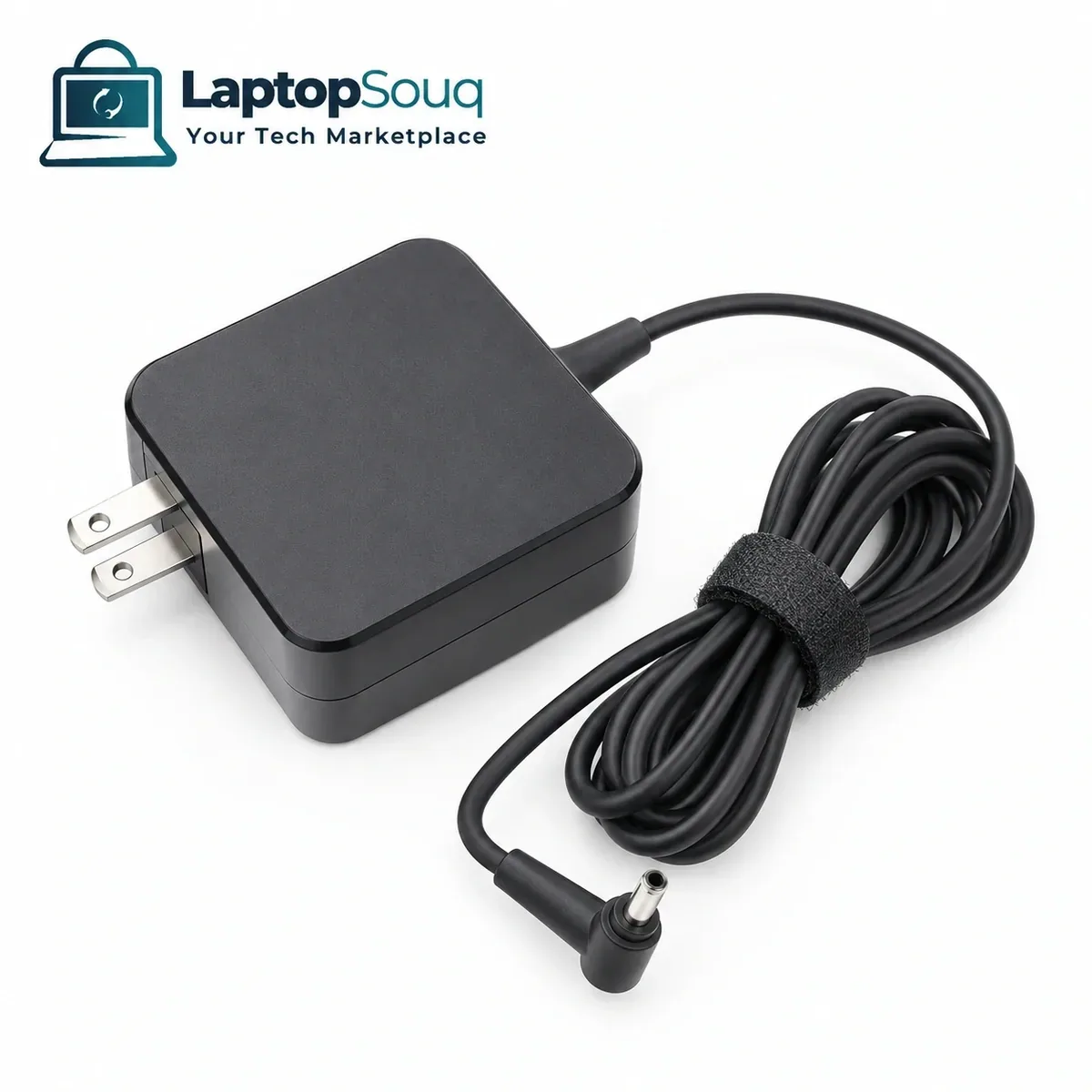
ASUS VivoBook 15 X515 Charger 45W 4.0mm Barrel
AED 125
 Hover to zoom
AED 225
Inclusive of VAT| Output Voltage | 20V DC at maximum laptop profile |
|---|---|
| Output Current | 5A at 20V |
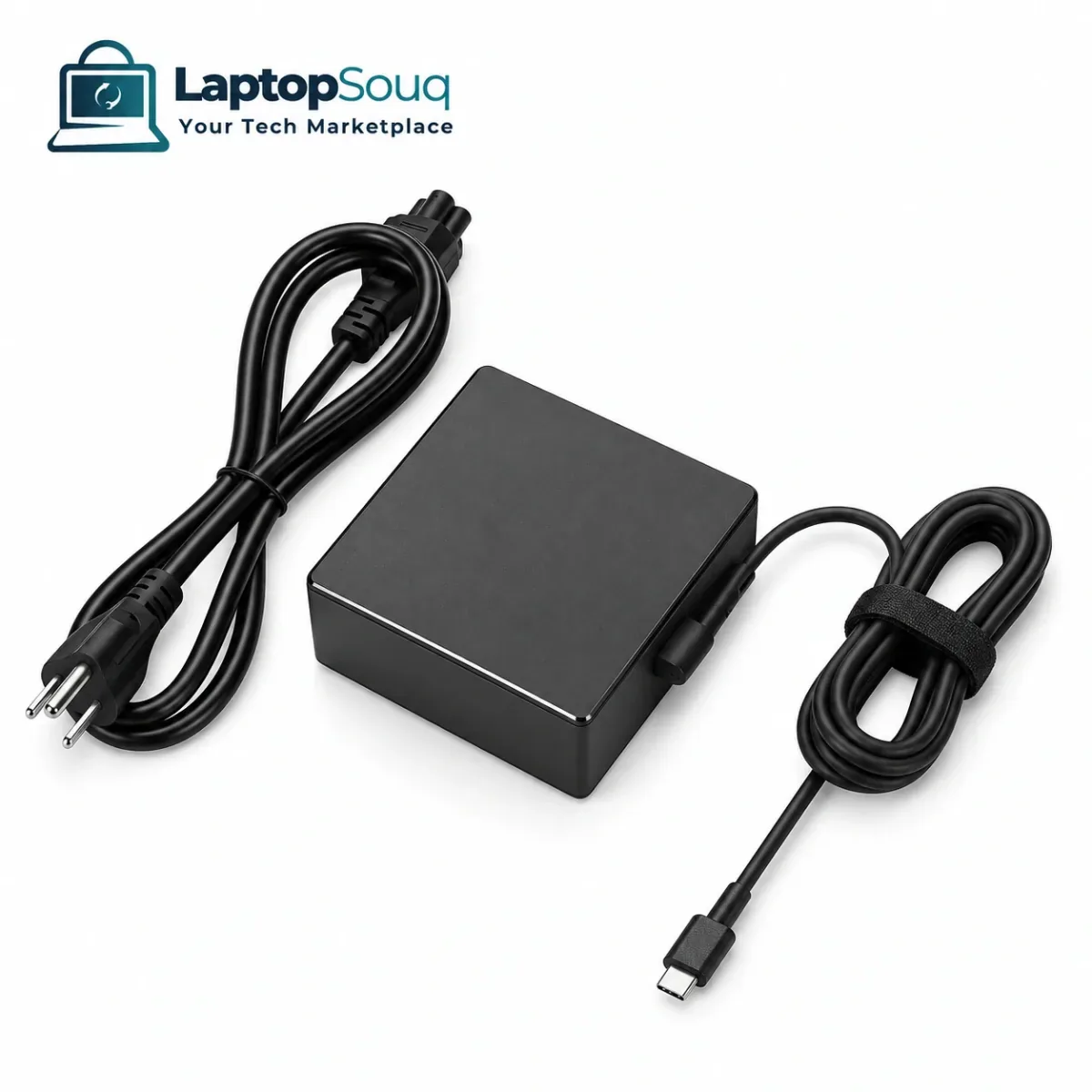
| Connector Type | USB Type-C Power Delivery |
| Warranty | 6-month warranty |
| Adapter Type | USB-C Power Delivery |
| Power Output | 100W |
Share your laptop model or product details and our team can help confirm availability and compatibility.
This ASUS ROG Flow X13 GV301 charger listing uses the selected 100W reference shown below. Selected configurations: ASUS ROG Flow X13 GV301QE (2021), ASUS ROG Flow X13 GV301QH (2021).
The selected 2021 GV301QE/QH configurations use a 100W USB-C, 20V/5A reference. Correct ASUS charger identification and a suitable 5A cable matter: a generic 100W PD adapter is not guaranteed to enable full original-charger performance.
USB-C Power Delivery negotiates the required output. A USB-C socket by itself does not prove that a laptop accepts charging, and a cable must support the requested current. For the Flow X13, the correct ASUS identification behavior can affect available charging power and system performance.
Match the complete model suffix and original charger label with the listed voltage, output current, power class and connector. Electrical values describe the selected reference configuration, rather than measurements of supplied stock. Reference images show the adapter family from different perspectives; supplier casing, regional AC plug and included mains lead must be confirmed separately. No travel adapter, extra tips or retail packaging are promised by the pictures.
The listed warranty is 6 months. Laptop Souq can compare a clear photograph of the existing adapter label and laptop charging socket with the full model code. Dimensions, net weight and cable length have not been measured for the actual replacement, so these are not claimed. Original ASUS manufacture, certification and tested full-load performance are not established for uninspected replacement inventory.
Keep a replacement at a second desk or choose it when replacing a missing adapter. Confirm the matching electrical rating and connector before connecting it to your laptop.
You may also like